 Upload your logo. Customize a full university PPT template.
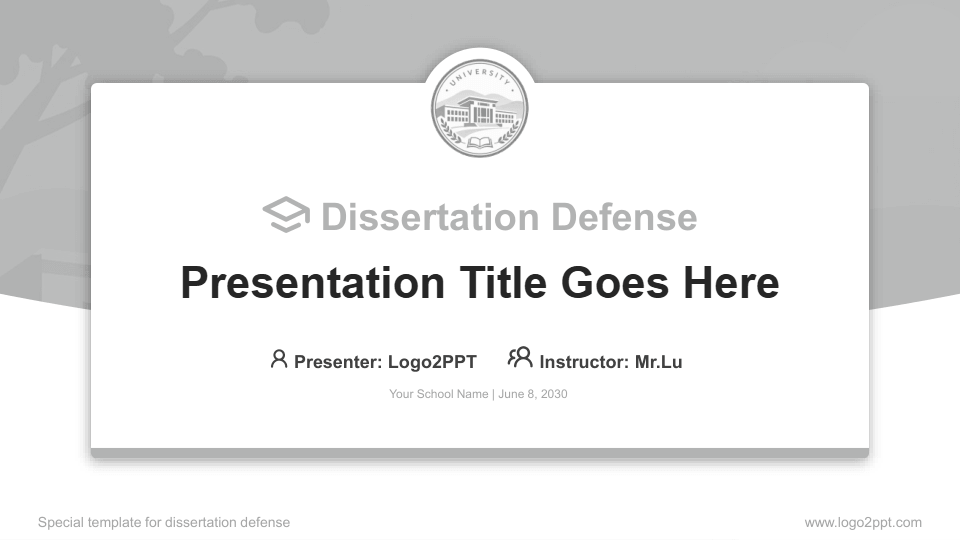
Upload your logo. Create a university PPT template.
Nine university presentation scenarios, with 16:9 and 4:3 versions.
Your logo and campus photo. See the change instantly.
Drag the slider to compare the default cover with a University of Hong Kong customization.
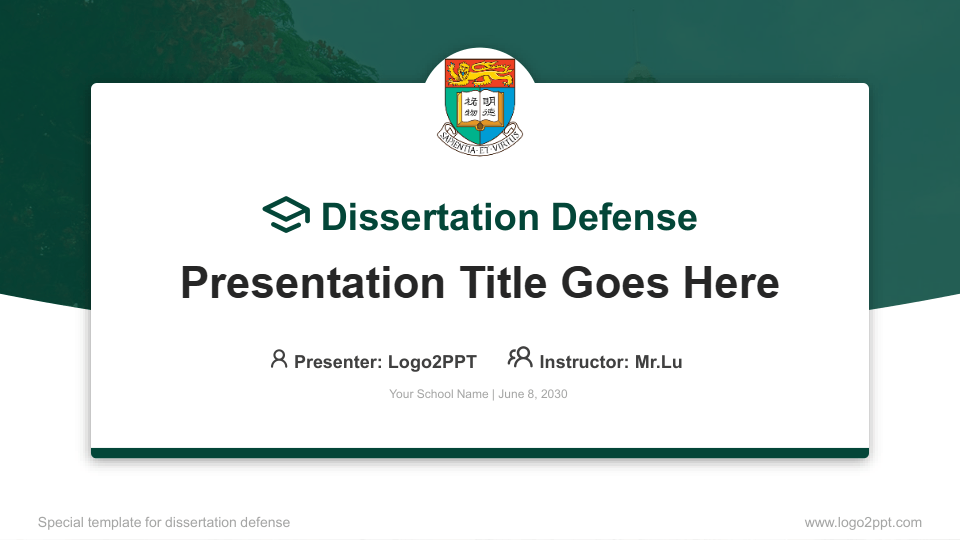 The University of Hong Kong · Thesis defenseDefault PPT template
Customize: logo, campus photo and theme colorTry this Thesis defense PPT template
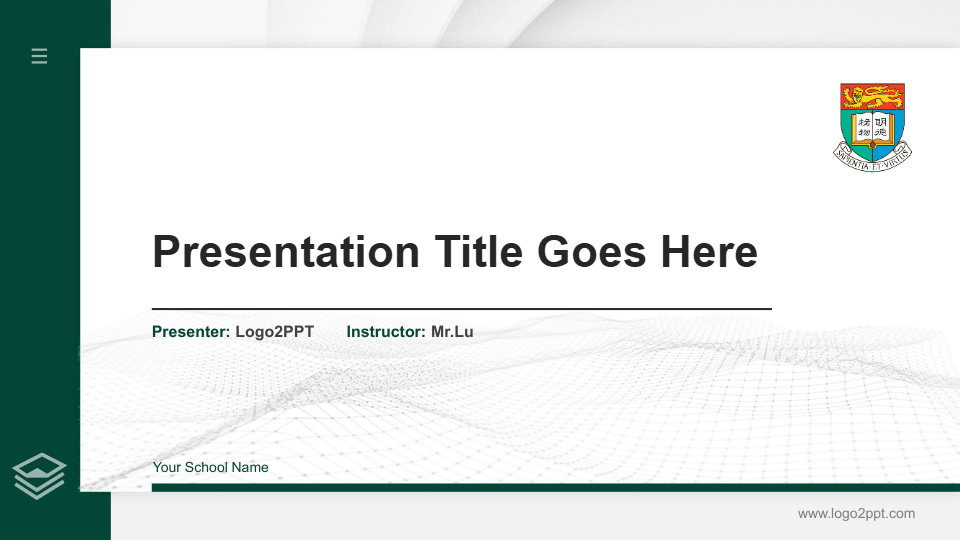
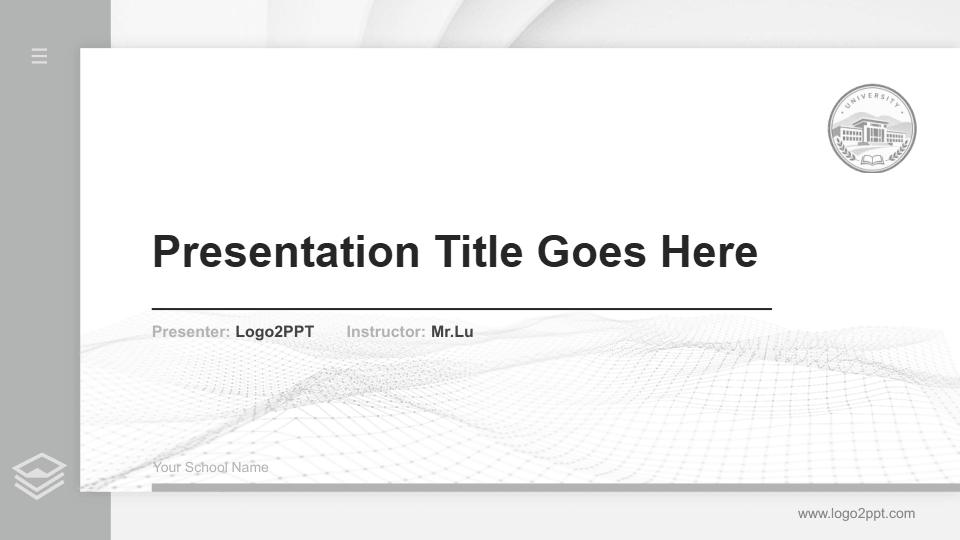 The University of Hong Kong · Research proposalDefault PPT template
Customize: logo, campus photo and theme colorTry this Research proposal PPT template
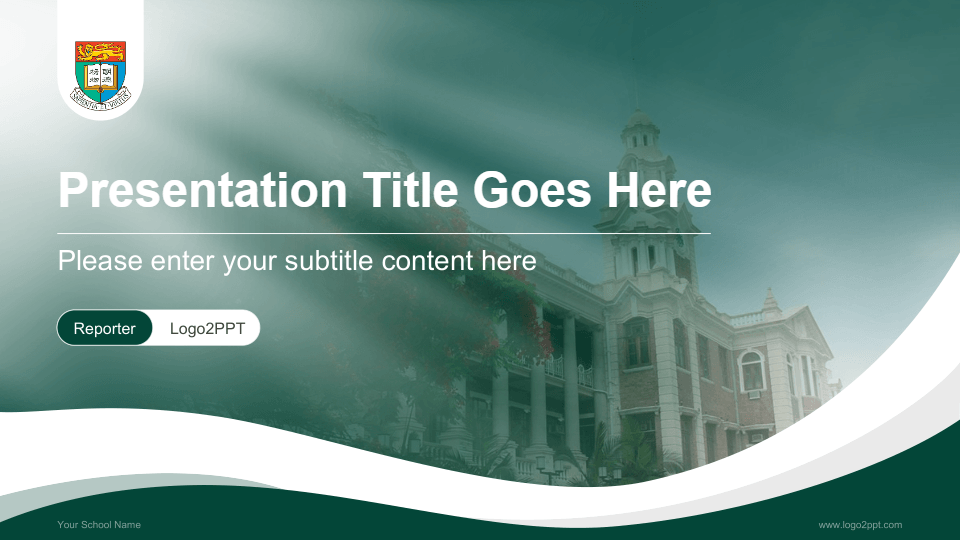
 The University of Hong Kong · LectureDefault PPT template
Customize: logo, campus photo and theme colorTry this Lecture PPT template
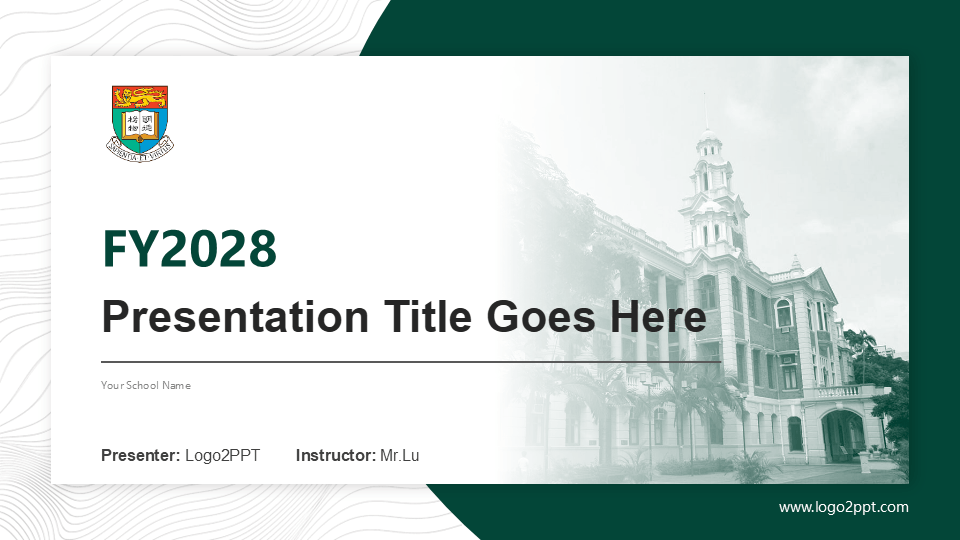
 The University of Hong Kong · Academic reportDefault PPT template
Customize: logo, campus photo and theme colorTry this Academic report PPT template
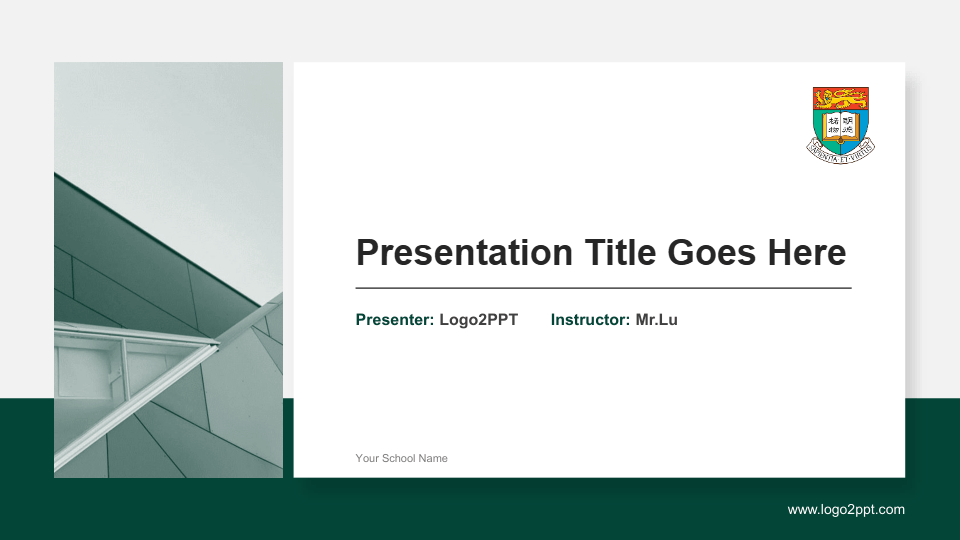
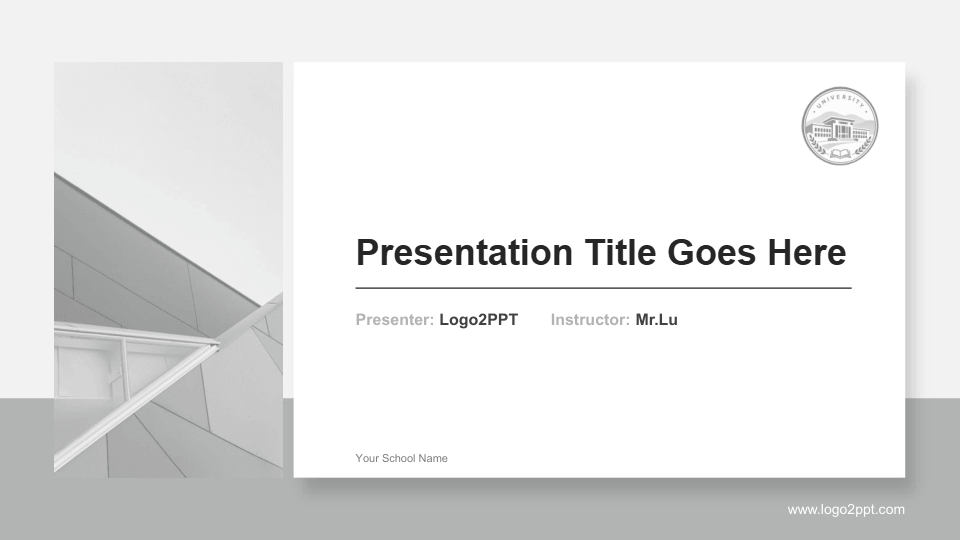 The University of Hong Kong · General presentationDefault PPT template
Customize: logo, campus photo and theme colorTry this General presentation PPT template
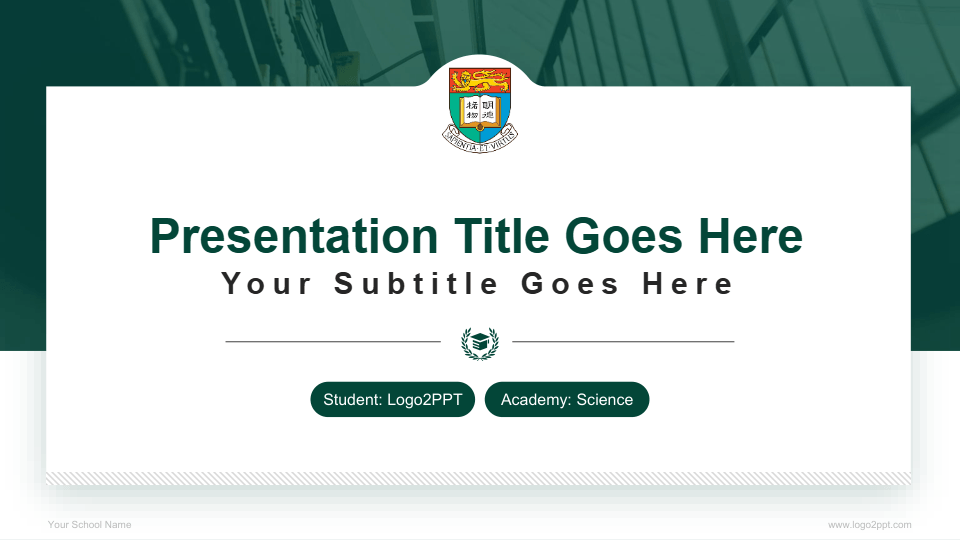
 The University of Hong Kong · Scholarship defenseDefault PPT template
Customize: logo, campus photo and theme colorTry this Scholarship defense PPT template
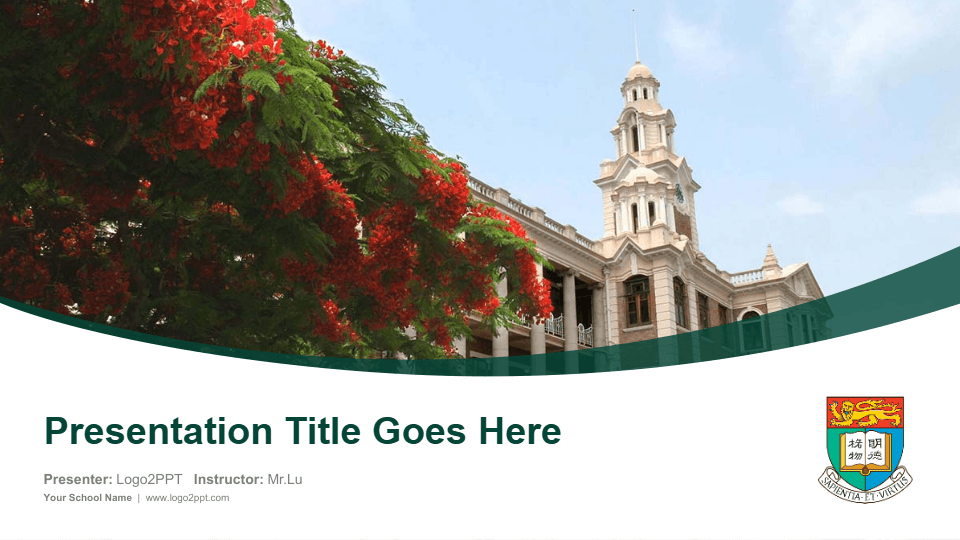
 The University of Hong Kong · CourseDefault PPT template
Customize: logo, campus photo and theme colorTry this Course PPT template

 The University of Hong Kong · ResumeDefault PPT template
Customize: logo, campus photo and theme colorTry this Resume PPT template
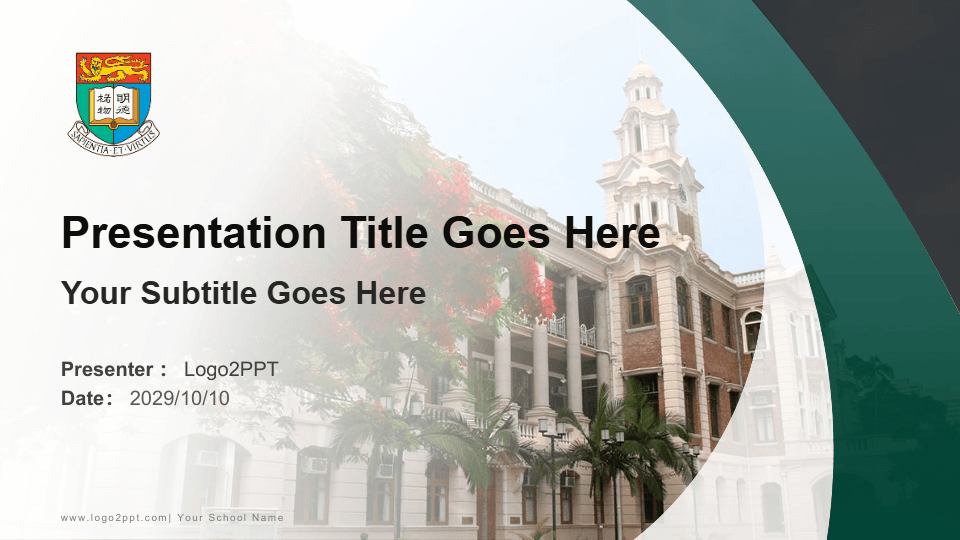
 The University of Hong Kong · CompetitionDefault PPT template
Customize: logo, campus photo and theme colorTry this Competition PPT template
Which PPT template do you need?
Upload your logo,
and your template takes shape.
Use a ready-made layout with your university logo, campus photo and colors,
then add your presentation content after downloading.
Upload a logo and campus photo
Start with your university logo;
add a campus photo if you have one.
Colors from your logo
We extract a theme color from your logo;
you can also choose your own.
Preview the full template
Check your logo, campus photo and colors
on every page before you buy.
Continue editing after download
Buy and download the PPTX,
then edit text and images in PowerPoint.
Preview first. Download when you are ready.
They chose Logo2PPT
Professional PPT templates help you create presentations more efficiently.
Before my defense, I did not want to spend hours adjusting the cover and colors. Adding my logo and campus photo gave the whole presentation a university feel. I could then download it and focus on my research and charts.

Lin Yue
Graduate student · Thesis defense
Starting every lesson from a blank slide takes time. With the university logo and theme color in place, I can add examples and exercises to a consistent set of slides and reuse it for future classes.

Daniel Brooks
Lecturer · Teaching
I care most about whether students can explain their research clearly. Clear sections and image layouts give them a starting point, so they can focus on their work rather than spend all their time formatting slides.

Kim Ji-eun
Research supervisor · Academic presentations
Lecture slides need to be formal and easy to read. I can check every page before choosing a download. Having the logo, campus photos and colors aligned makes preparing a talk simpler.

Anna Fischer
Professor · Lectures
Our group members often bring slides in different styles. Choosing one competition template gives us a consistent university look, so we can divide the content and combine it more easily.

Arjun Mehta
Master's student · Competitions
For my first class presentation, I was unsure how to make the slides consistent. Choosing a template and adding my logo let me focus on the material. My classmates and I could keep editing the downloaded text and images together.

Emma Wilson
Undergraduate · Class presentations
A research proposal changes many times. A clear layout with my logo and colors gives me a starting point for the background, methods and schedule, and a consistent style for later revisions.

Yuto Sato
Master's student · Research proposals
1 / 7
Explore university PPT templates
Versatile PPT templates make every university look its best.
 Sungkyunkwan University
 Yokohama National University
 Indian Institute of Technology, Roorkee
 University College Dublin
 Aalborg University
 Leiden University
 Singapore University of Technology and Design
 University of Cambridge
 Chemnitz University of Technology
 University of Oxford
 Yokohama City University
 University of Leeds
 National University of Singapore
 Utrecht University
 University of Zurich
 Sorbonne University
 University of Sheffield
 Paris-Saclay University
 University of Seoul
 Delft University of Technology
 Singapore Institute of Technology
 University of Manchester
 Bielefeld University
 University of Glasgow
 University of Limerick
 University of Warwick
 Ulsan National Institute of Science and Technology
 École Polytechnique Fédérale de Lausanne
 University of Amsterdam
 University of St Andrews
 Soongsil University
 Singapore University of Social Sciences
 Yamagata University
 University College Cork
 University of Geneva
 University of Ulsan
 Singapore Management University
 University of Tsukuba
 Yonsei University
 University of Southampton
 Toyohashi University of Technology
 University of Edinburgh
 Toyo University
 Trinity College Dublin, University of Dublin
 Aarhus University
 University of Southern Denmark
 Copenhagen Business School
 ETH Zurich – Federal Institute of Technology Zurich
 Nanyang Technological University
 Tata Institute of Fundamental Research
Does this write content or customize PPT templates?
This tool customizes university PPT templates with your logo, campus photo and colors. It does not write your thesis or course content. Edit text and charts in PowerPoint after downloading.
Which university PPT scenarios are available?
Choose thesis defense, research proposal, lecture, academic report, general presentation, scholarship defense, course, resume or competition. Pick a scenario and upload your images to preview it.
Do I need to sign in or pay to preview?
No. Upload images, adjust colors and preview for free. Sign in when saving drafts, purchasing or downloading.
How do I choose between 16:9 and 4:3?
Choose the ratio required by your projector or submission rules. Images and colors are retained when switching. Purchases include all ratios offered for your scenario; check the language and versions before paying.
Can I preview every page before buying?
Yes. Browse all pages under View PPT template, or customize images and colors first. Check the scenario, language and ratios before buying.
Where can I find university logos and campus photos?
Start with the university website's brand guidelines or campus gallery. Search for the full university name plus logo transparent PNG, logo SVG, or high resolution campus photos. Check the source and usage rights, or upload photos you took yourself.
Which image formats and sizes are supported?
PNG, JPG, WebP and static SVG, up to 2MB per image. Use a clear transparent logo and a sharp campus photo without watermarks. Resize oversized images before uploading.
Is the logo background removed and its color extracted automatically?
Suitable plain backgrounds are removed automatically and a theme color is extracted from the logo. Complex backgrounds may need manual processing. You can crop, remove backgrounds and choose colors yourself.
What can I customize?
Replace the logo, campus photo and theme color online. After downloading, edit titles, university names, text, images and charts in PowerPoint or WPS. See the tutorial for details.
Do I need to upload again when switching scenarios or ratios?
No. During the same customization session, your logo, campus photo and color are retained when changing scenarios or ratios. Check the scenario and image results before generating.
How do I restore the original image?
Click × on an uploaded image to restore the template's original. Remove the logo and campus photo separately, or upload another image to replace one.
What is the difference between a single template and the bundle?
A single plan costs $9.90 for one chosen scenario. The $39.90 bundle includes all nine. Both include all ratios offered for those scenarios. Confirm the name and language before buying.
How are the five generations counted?
Each purchase includes five successful generations, including the first. Single plans generate all versions of that scenario; bundles generate all nine. Failures and repeat downloads do not count.
How are files generated after payment?
After payment is confirmed, we generate editable PPTX files and package them in a ZIP. Check progress and download from My — Orders & downloads.
How do I customize and generate again after buying?
Open the order and choose Customize and generate again. Change images or colors and use a remaining attempt. Single plans cover the original scenario; bundles cover their included scenarios. This does not create another purchase order.
Does saving a draft use a generation attempt?
No. Drafts save images and colors without generating paid PPTX files or using attempts. Continue later from My — Drafts.
Can I generate only another ratio after buying a single template?
A generation includes all available versions of the purchased scenario, rather than charging separately by preview ratio. Generating again uses one attempt; downloading existing files again does not.
Can I edit the files after downloading?
Yes. Unzip the download and open the PPTX in PowerPoint to edit text, images and other content. Fonts may affect layout on another computer, so check before presenting.
What if generation fails?
Check the message on your order and try again. Failures do not use attempts. If the problem continues, contact support with the order number; you do not need to pay again.
Are files kept forever?
Paid generated files and previews are kept for 30 days. Unpaid previews expire after 24 hours and revert to default covers or a bundle collage. Saved images, settings and order records remain available for later editing.
Can I change scenarios or get a refund?
Single purchases cannot be changed to another scenario. Check the cover, name, language and versions before paying. Digital products do not offer unconditional refunds; contact support for file or generation problems.
Can I find my orders on another computer?
Sign in with the same account and open My — Orders & downloads. Files can be downloaded repeatedly within their retention period. Keep a backup of downloaded ZIP files.
What if text wraps or moves after downloading?
Check that the template's fonts are installed and open it in PowerPoint. Font substitutions or added text can change layout. Adjust font sizes, text boxes and spacing, then review every page.
Try it now